
Facebook comprises a vast amount of data to help your business grow. Facebook is the world’s largest social media platform, enabling consumers to connect directly with brands. In this ever-demanding market, competition is getting ferocious day by day. Hence, it is essential to have enough data to lead the competition. Analyzing customer behavior and tracking your competitors as a business owner is crucial. Learning how to scrape Facebook data from Facebook page is essential in such an instance. This blog will provide a step-by-step guide to scrape posts and comments from a public Facebook page. But before that, let’s understand why you need to scrape Facebook.
Having more than 2.80 billion monthly users, Facebook is a perfect place to share and discuss news, watch videos, enjoy shopping, and more. A vast portion of data is actionable. You require a Facebook posts scraper to scrape the data for three reasons.
Facebook Data Scraping is beneficial in multiple ways. It helps in market research, sentiment analysis, and gain insights into customer behavior. Some of its uses are:
Understand your Competitors: Gain detailed insights into your competitors’ opinions by analyzing tone, content, and Facebook page activities.
Analyze Audience Engagement: Monitor the interests, demographics, and behaviors of any group using customer engagement metrics, like shares, comments, and reactions.
Identify Trends and Find Pain Points: Apply social listening to understand the Facebook Page audience and generate content that can easily resonate with them.
Create Targeted Advertising: Use the Facebook posts data scraping services to analyze it across interests, demographics, and community engagement metrics. Use this data to generate a powerful advertising campaign and target the right audience.
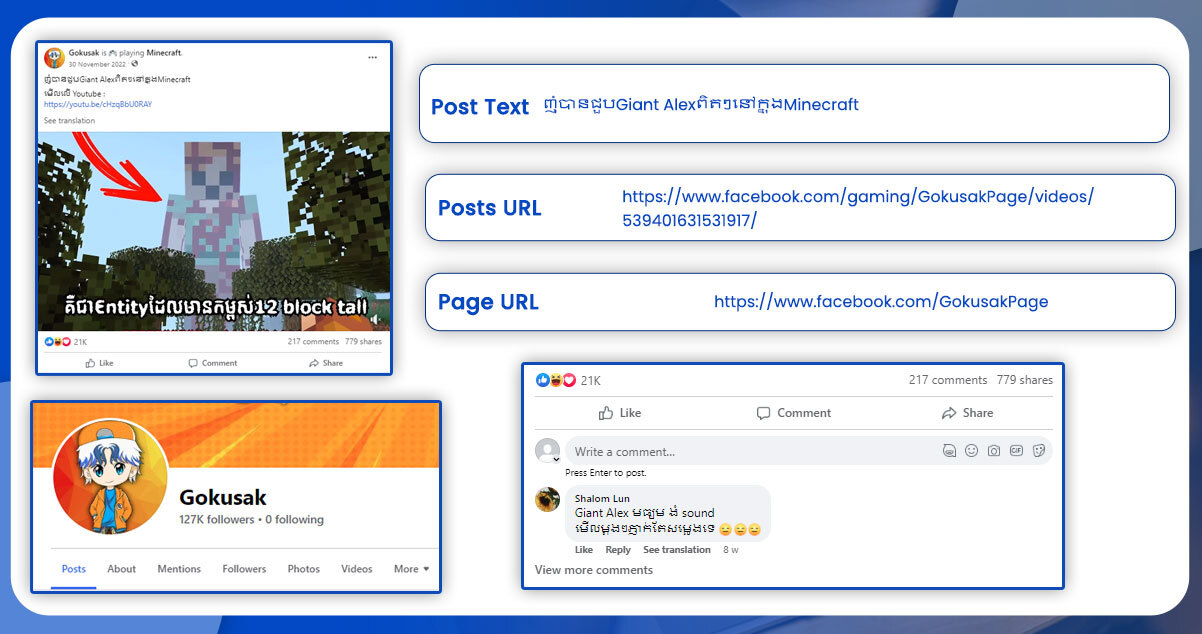
Major data fields that are available when you scrape posts from a public Facebook page are:
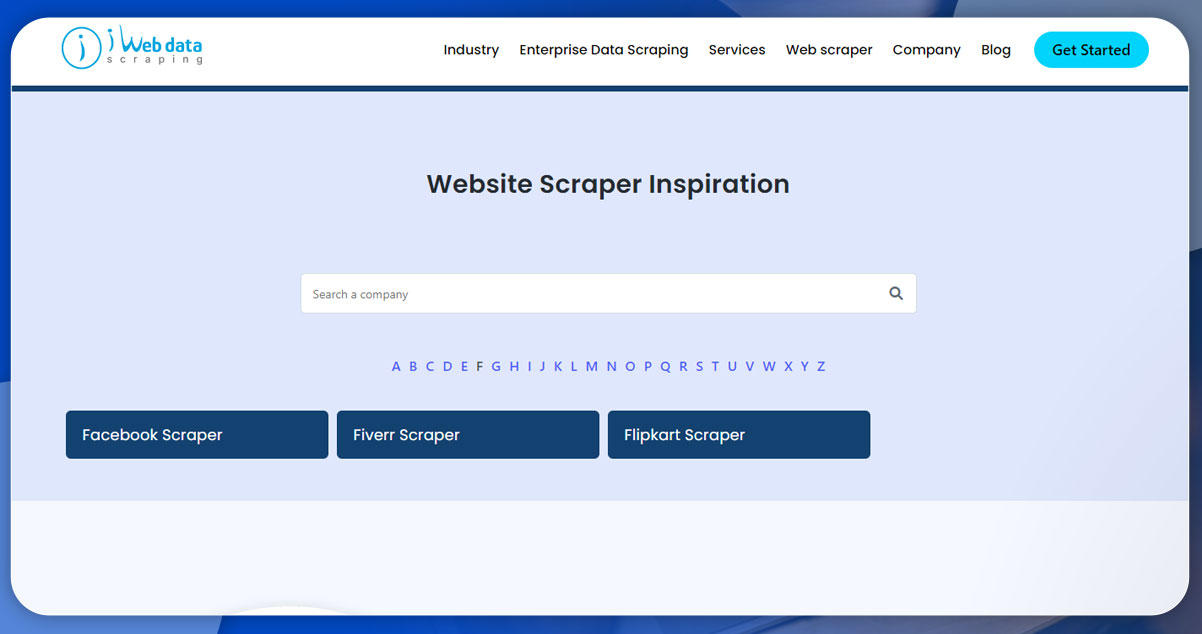
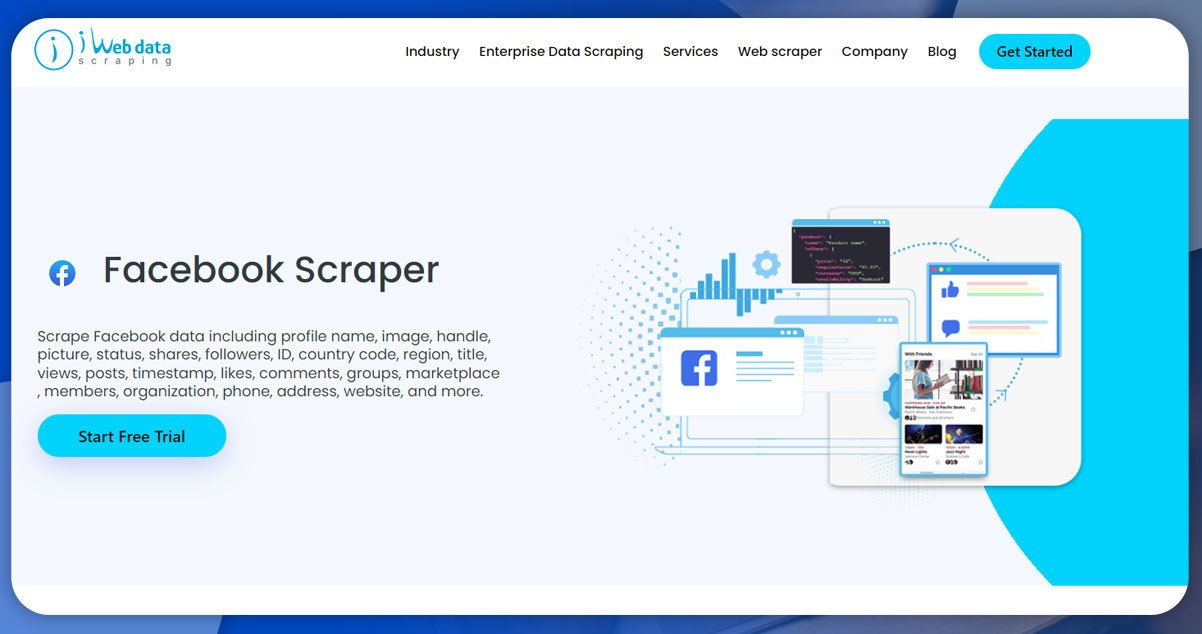
We offer the best social media app data scraping service. Go to the iWeb Data Scraping and search for the Facebook Posts Scraper. Click on the Try free button to get started.
Now, as you are on the scraper page, to scrape Facebook Data from Facebook posts, enter the URL of the Facebook page from which you want to scrape posts. To perform this step, open facebook.com, find the desired page, and copy-paste the URL.
You can also set the target of the number of posts that you wish to scrape. So, here for the Human of New York Page, we will extract 20 most recent posts.
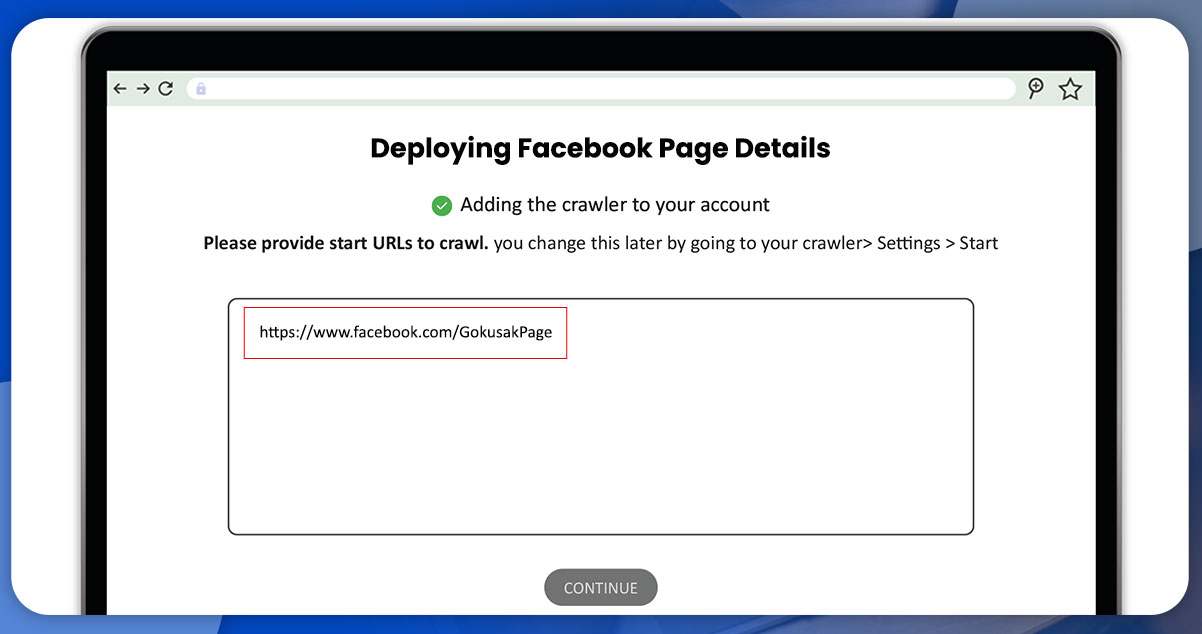
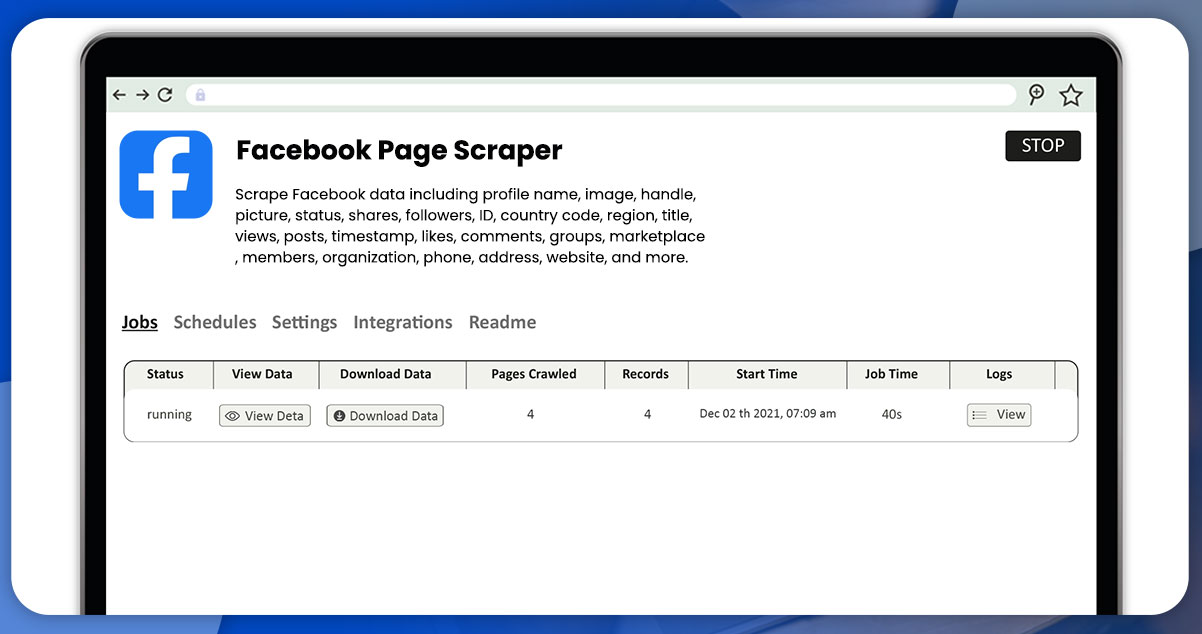
Once you are ready with the URL and the number of posts, click the Start button. The Facebook scraper will start data extraction from Facebook pages and posts. You can see the status as ‘Running.’ Wait until the whole process gets complete. After completion, the status will change from Running to Succeeded.
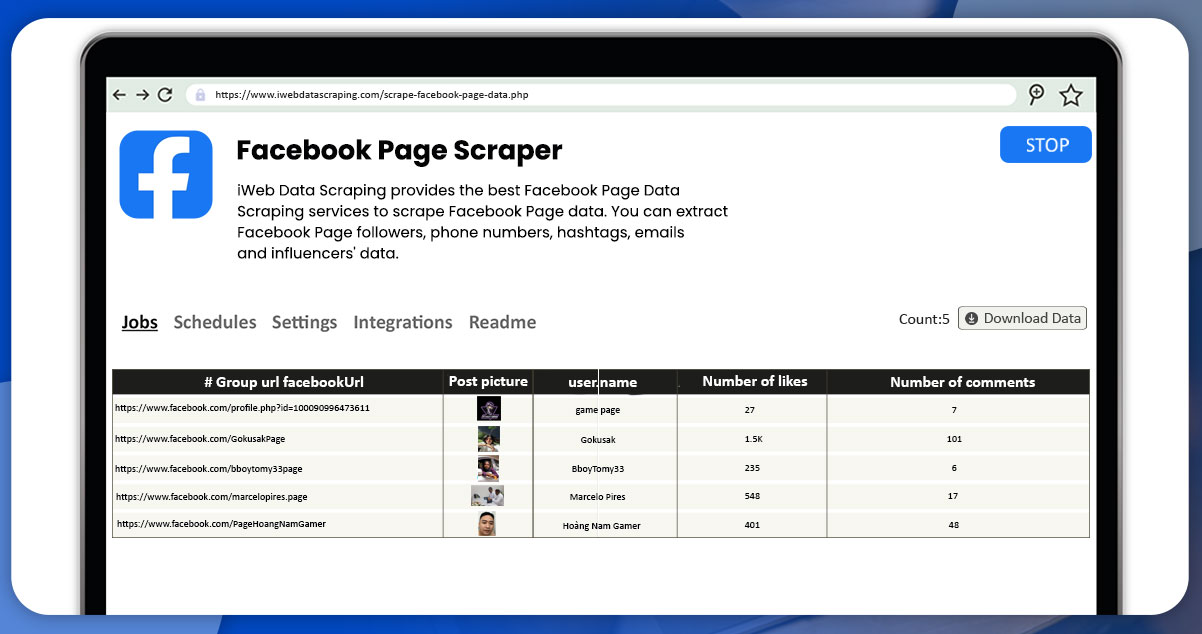
Now, click on the Export button to download your data. The Humans of New York page will show 20 scraped posts with their complete details.
You can also preview and download the Facebook data in the required format, including JSON, CSV, EXCEL, XML, etc. Each extracted post will contain data for post text, number of likes, shares, URL, comments, etc.
Facebook Post data collection will help analyze the number of mentions for a company, product, personality, etc. You can easily track how frequently your seasonal product is available in a particular month.
Tracking the needs of your target audience will help you understand the right time to offer products or services to your customers.
Scraping Facebook posts data using iWeb Data Scraping is a perfect option, as it follows the complete data collection pipeline and the residential proxy for all Facebook content. Using our proxy configuration, you can save time and resources. It is essential because Facebook’s anti-scraping system depends on multiple factors for bot detection.
For more information, get in touch with iWeb Data Scraping now! You can also reach us for all your web scraping services and mobile data scraping service requirements.