
In today’s digital era, several social media platforms have become vast storehouses of valuable data, and Twitter is no such exception. It is the gold mine of data regarding understanding consumer sentiment. This platform holds useful information as users majorly post unfiltered options that are easy to retrieve. Extracting and analyzing tweets can provide valuable insights for businesses, researchers, journalists, and individuals. One effective way to collect this data is by scraping tweets from Twitter. In this blog post, we will guide you through scraping tweets step by step.
Twitter is an online social media and social networking site where users post and interact with short messages known as ‘Tweets.’ It was developed in 2006 by Jack Dorsey, Biz Stone, and Evan Williams and has since grown into one of the largest social media platforms in the world. In simple language, Twitter is all about what’s happening and what [people are talking about right now.
Tweets are short messages limited to 280 characters comprising thoughts, opinions, news, and several other types of content.
Twitter data scraping can generate insights into opinions, sentiments, and social media trends. Analyzing the tweets, likes, shares, interests, etc., helps derive clear insights into the public conversation.
Although, there are innumerable benefits to using Twitter data for your business. A few of them are listed below:
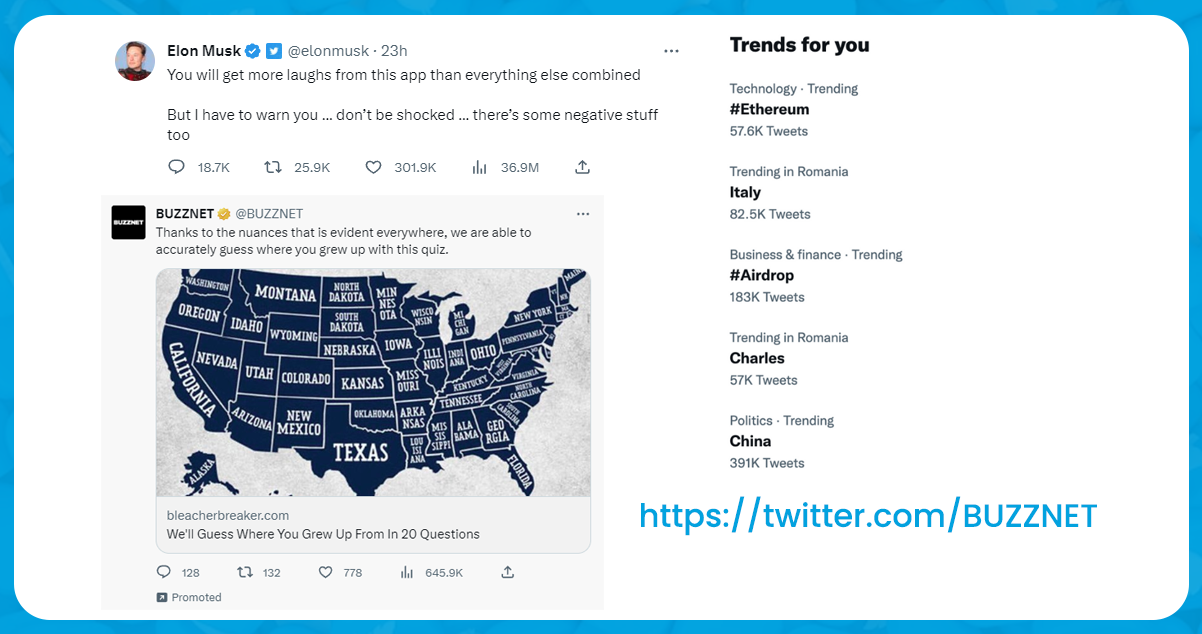
The following data fields are available from scraping tweets from Twitter:
There are several reasons why scraping tweets from Twitter is essential:
Access to Publicly Available Data: Twitter is a public platform where users share their thoughts, opinions, and information. Scraping tweets using Twitter data scraper allows researchers, analysts, and organizations to access and analyze this publicly available data, enabling them to gain insights into various topics, trends, and public sentiment.
Real-Time Information: Twitter is exclusively known for its available real-time updates. However, it is one of the critical sources of updated information. Scrape tweets from Twitter to monitor and analyze conversations, news events, and trends as they provide valuable insights.
Research & Analysis: Twitter data can be a rich source of information for research, studies, sentiment analysis, and other data-driven analyses. By scraping tweets, researchers can access large datasets, track trends, and draw meaningful conclusions based on the collected data.
Customer Insights: Users on Twitter most often share their opinions, feedback, and experiences related to products, services, and brands. Scraping tweets allows businesses to gather valuable customer insights, understand customer preferences, identify pain points, and improve their products or services accordingly.
Brand Monitoring: When it comes to reputation management, it becomes essential to scrape tweets to get real-time information on customer concerns, sentiment, and feedback. This data will help to provide timely responses, allowing businesses to address issues, manage their brand image, and maintain customer satisfaction.
1. To scrape Tweets data, go to the iWeb Data Scraping and find the scrapers alphabetically.
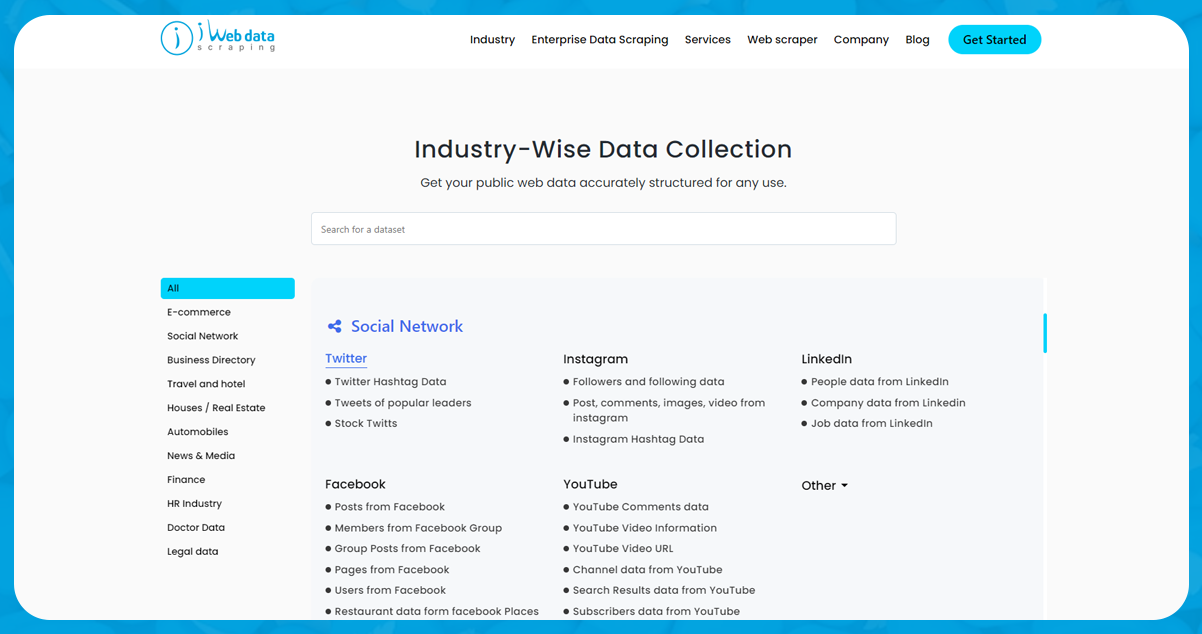
2. Find the Twitter Scraper and click on the try free button.
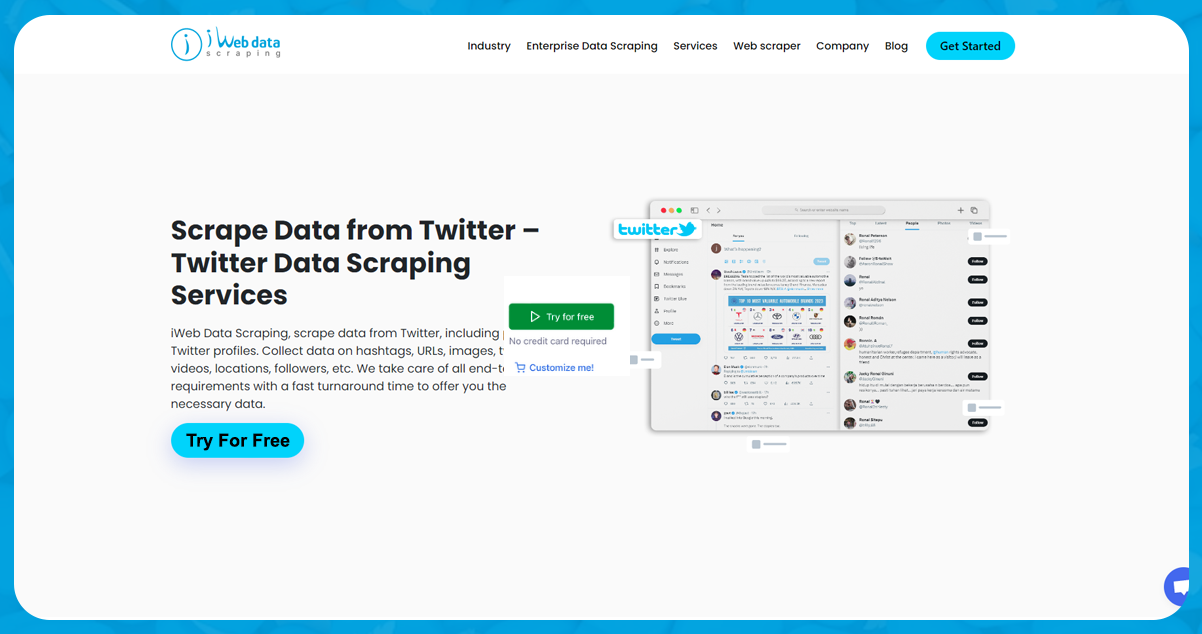
3. After locating your desired scraper, mention the details you want from Tweets. You need to select your starting point.
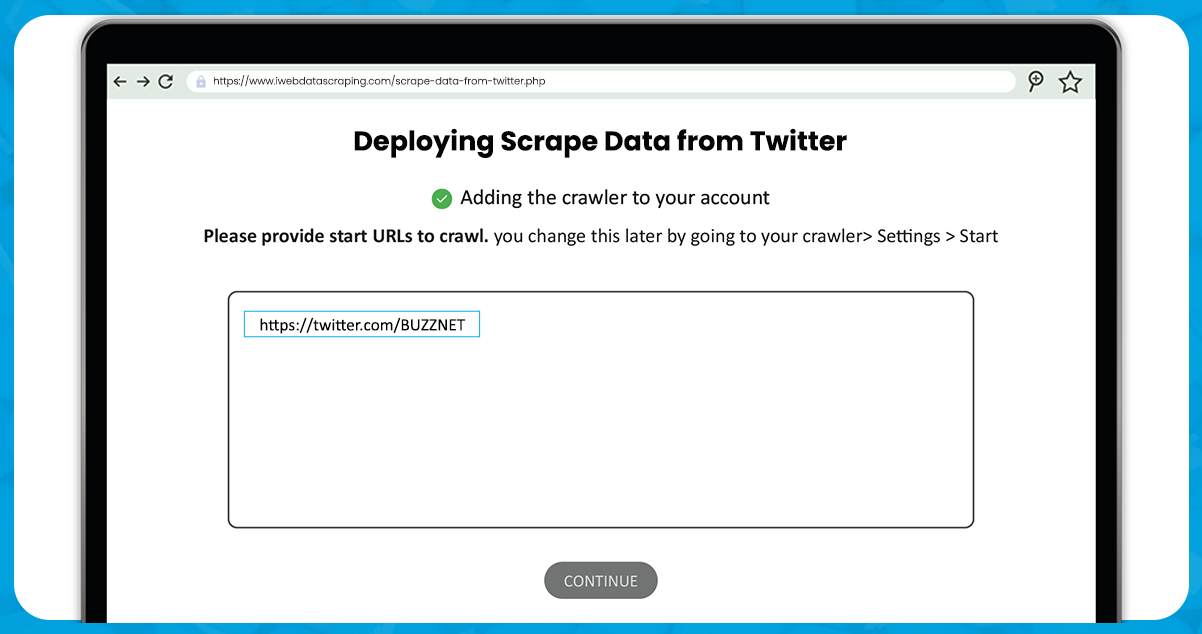
4. Determine the specific criteria or keywords you want to scrape tweets from. You can specify hashtags, usernames, keywords, or other parameters to filter tweets you want to retrieve.
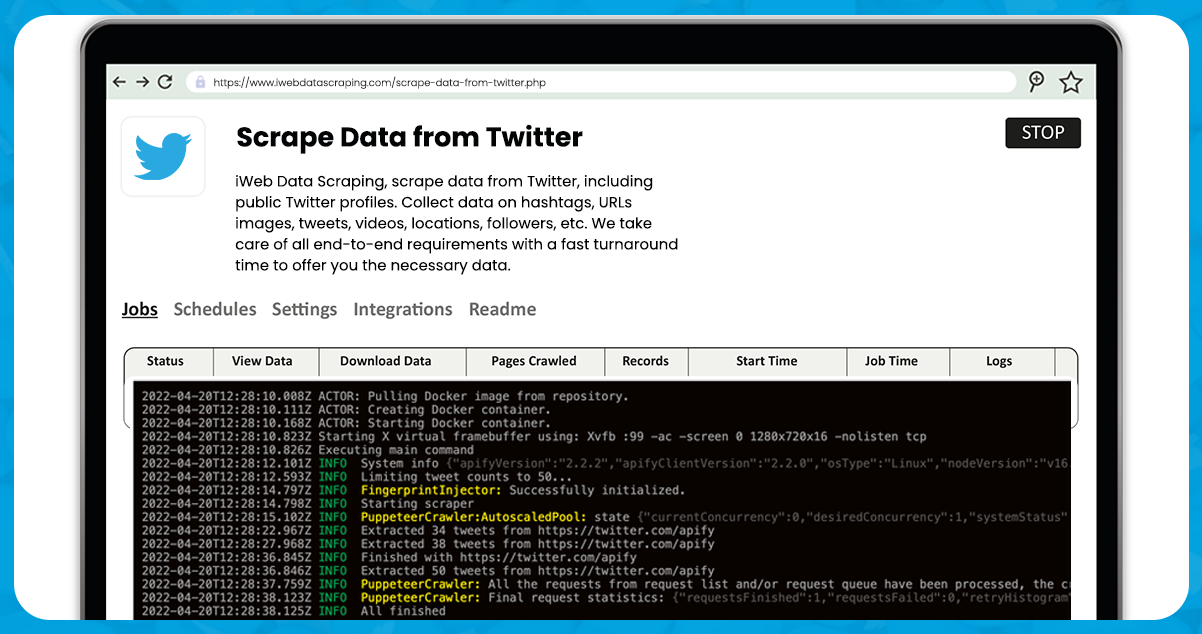
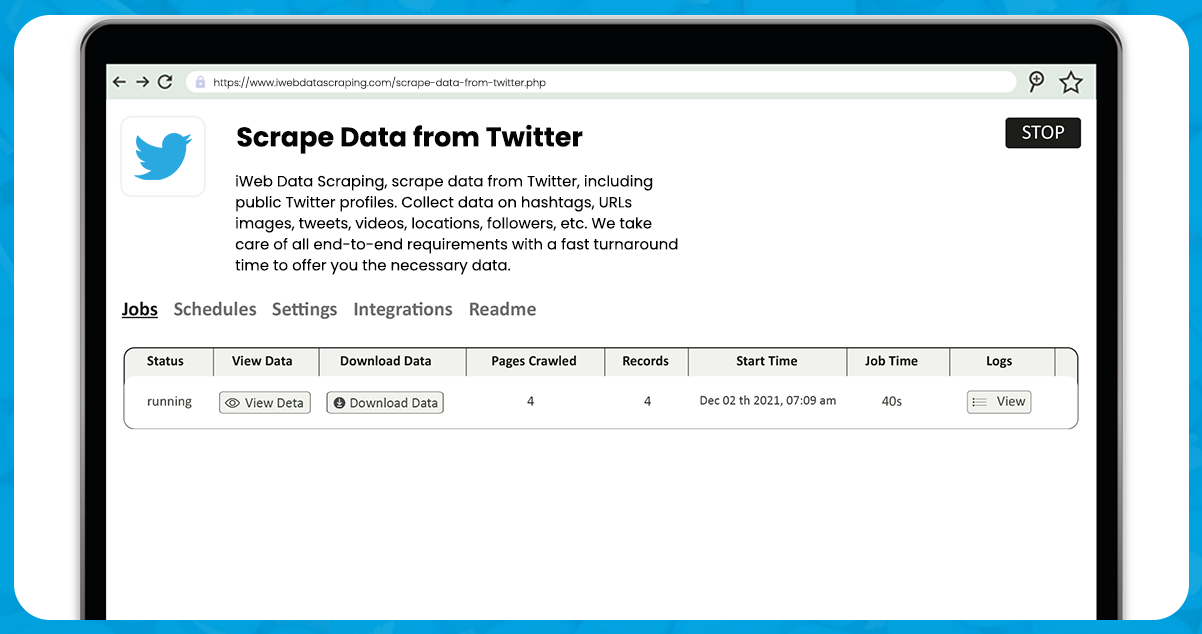
5. After completing the setup, click the Start button. The task will change the status to Running. Wait until the scraper finishes the task. After the completion, the status will change to Succeeded.
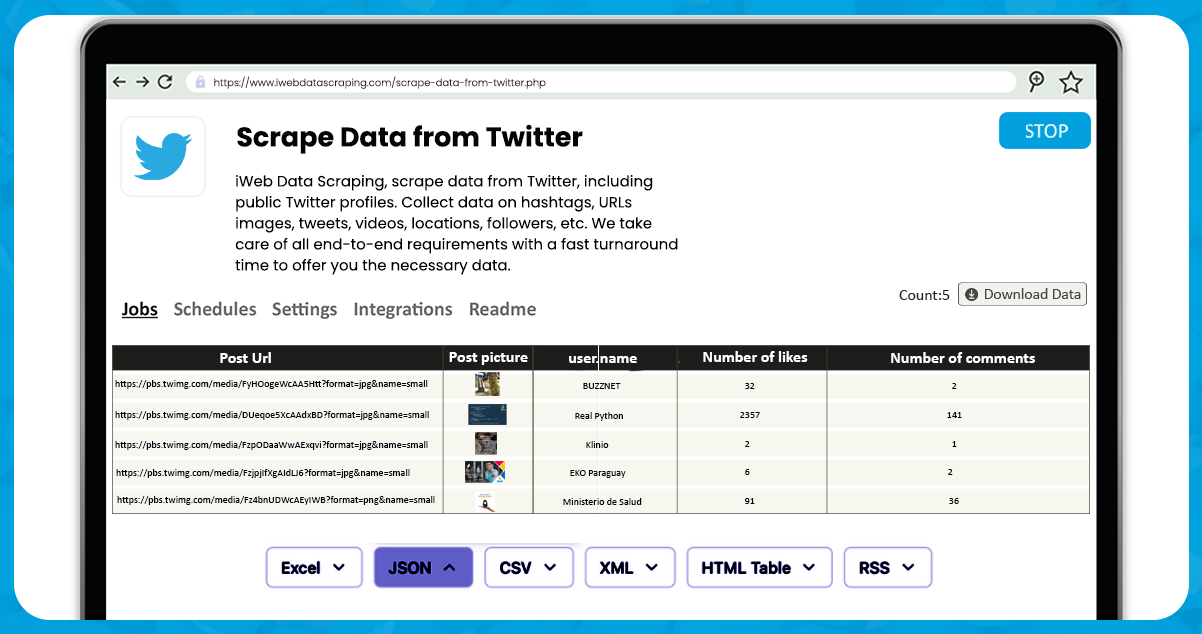
6. After scraping, check the result in the dataset tab. The dataset tab contains the scraped data in several formats, including JSON, CSV, Excel, and XML.
For further details, contact iWeb Data Scraping now! You can also stay in touch with us for all your web scraping service and mobile app data scraping needs.